Figma Game Mode
Context and Problem
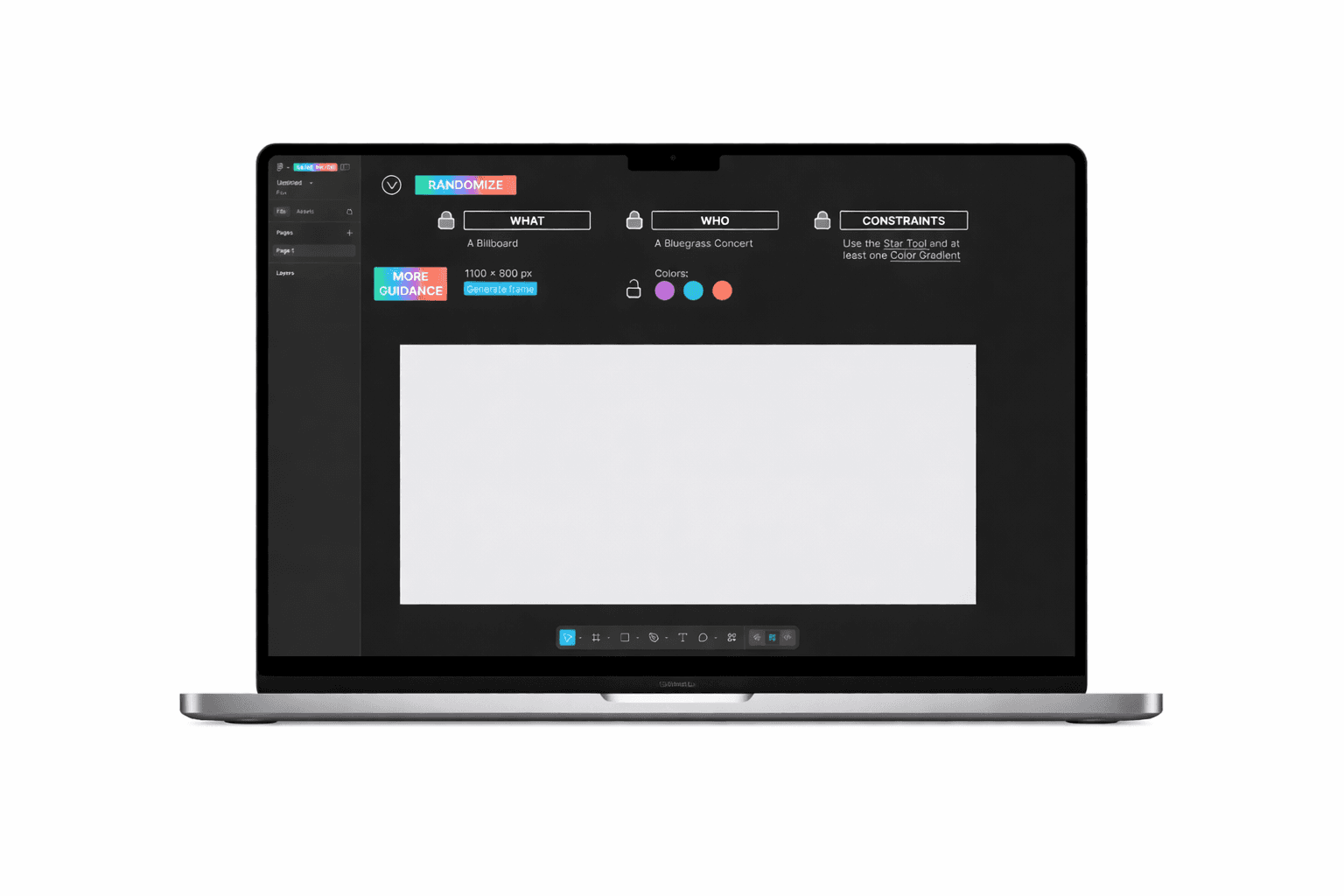
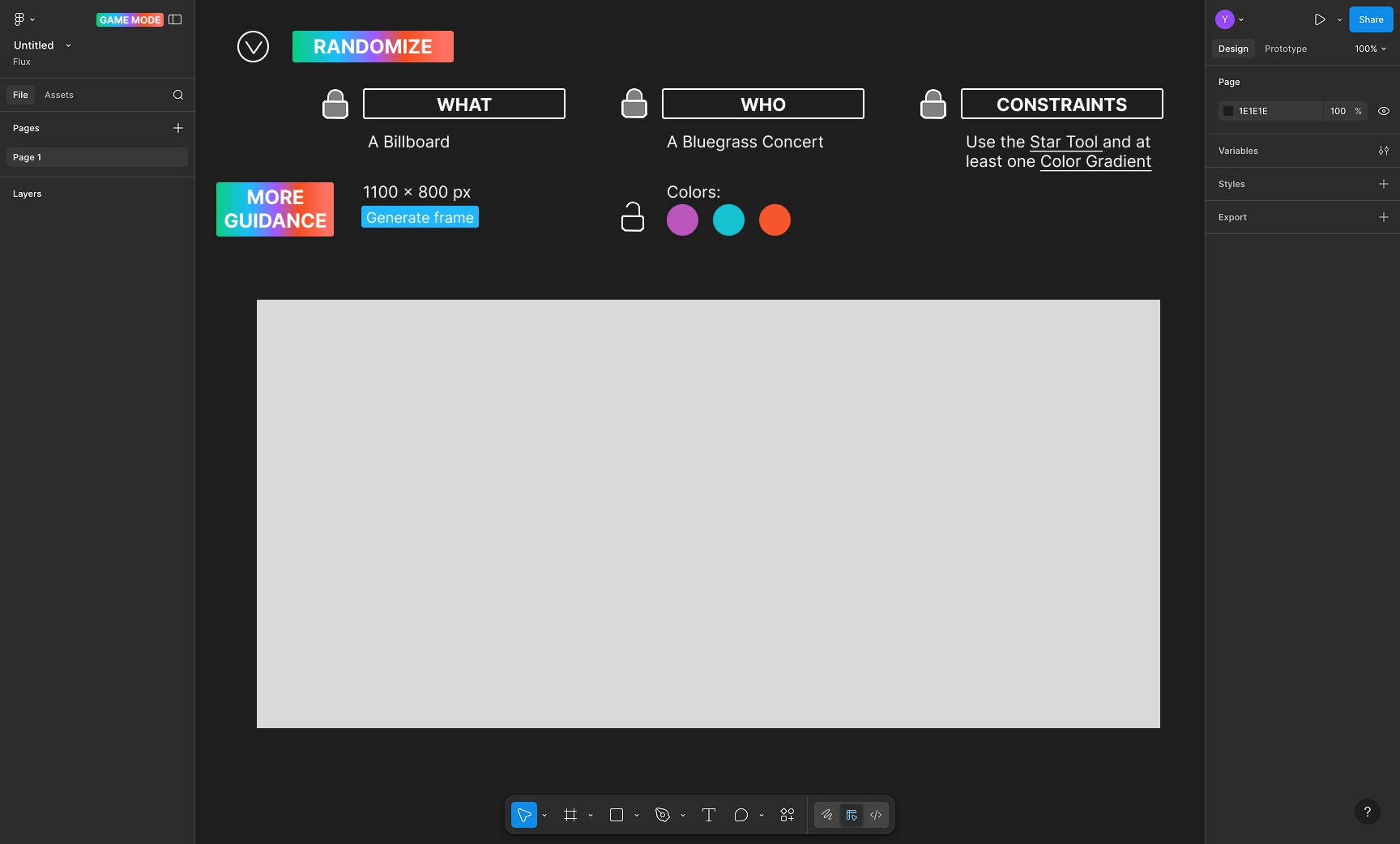
Figma Game Mode is an exploratory concept designed to make learning Figma more engaging through play. Rather than relying on traditional tutorials or prescriptive step-by-step instructions, the project reframes onboarding as a low-pressure playground where users learn by experimenting directly within the tool.
PROBLEM
Many designers struggle to retain skills learned through passive tutorials. While existing learning resources explain features well, they often require observational learning or rigid task completion, which can feel tedious and overwhelming—especially for beginners.
DESIGN QUESTION
How might learning a design tool feel more intuitive and engaging if users were encouraged to play, experiment, and discover features organically?
DURATION: 2 weeks
Research
METHODS
I conducted lightweight competitive and conceptual research focused on existing learning models within the Figma ecosystem.
Figma Prompt: Studied as a conceptual inverse—where the tool prompts the user through small, actionable steps to create outcomes.
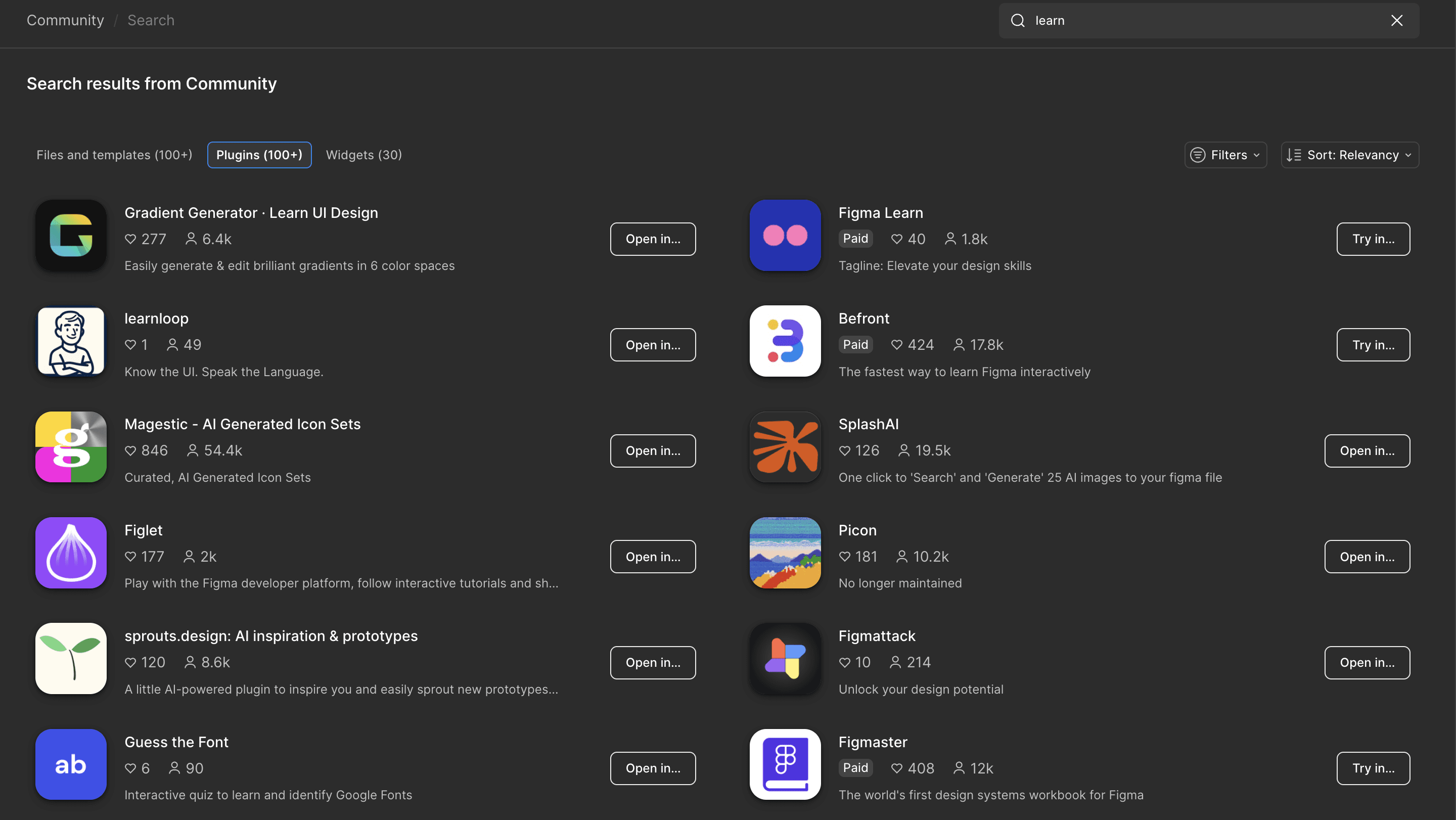
Figma learning extensions: Reviewed two existing extensions:
One focused on highly structured, linear learning paths.
One emphasized learning by doing, but relied heavily on explicit tasks such as “add a layer” or “name this frame.”
KEY INSIGHTS
Most learning tools prioritize correctness and completion over exploration.
Step-by-step instructions can reduce cognitive load, but also limit creative engagement.
Opportunity for a learning experience that teaches design thinking and tool fluency without micromanaging user actions.
Ideation
I intentionally positioned Figma Game Mode as a playground rather than a tutorial. The goal was not to teach best practices like layer naming, but to help users build comfort, confidence, and curiosity inside the tool itself.
Instead of telling users what to do, the experience encourages experimentation with design tools through prompts, challenges, and visual feedback. Learning happens through interaction, not instruction, allowing users to internalize tools by using them in context.
Iteration
I designed and tested three progressive versions of the concept:
Version 1: Core Functionality Focused on validating the core interaction model and overall flow without visual polish.
Version 2: Guided Walkthrough Introduced a designed walkthrough experience to help onboard users and communicate how the “game” works without relying on dense instructions.
Version 3: Visual Simplification
Scaled back color usage in favor of a black-and-white interface to reduce visual overwhelm and keep attention on the design canvas itself. This version prioritized clarity, focus, and cognitive ease.
Each iteration was informed by the question: Does this help users feel more confident experimenting inside Figma?
Outcome
The project resulted in a fully articulated interaction concept supported by wireframes and multiple design iterations, demonstrating how gamification and exploratory learning could be applied to professional design tools. The final version balances guidance with freedom, reinforcing learning through play rather than instruction.
KEY LEARNINGS
Learning through exploration increases engagement: Removing rigid instructions encourages curiosity and deeper tool familiarity.
Less visual noise supports better learning: Simplifying the interface reduced cognitive overload and kept users focused on interaction.
Iteration clarifies intent: Each version helped refine what the experience should not be as much as what it should be.
FUTURE ITERATIONS
In the future, I will explore turning Figma Game Mode into a functional Figma extension using Figma Prompt as a technical foundation. Future versions would include refined tutorial animations and visuals aligned with the Figma brand style guide to create a more polished, native-feeling experience.